
GameFrosting collection
DIY & Builds
Hands-on projects that turn game ideas into real objects.
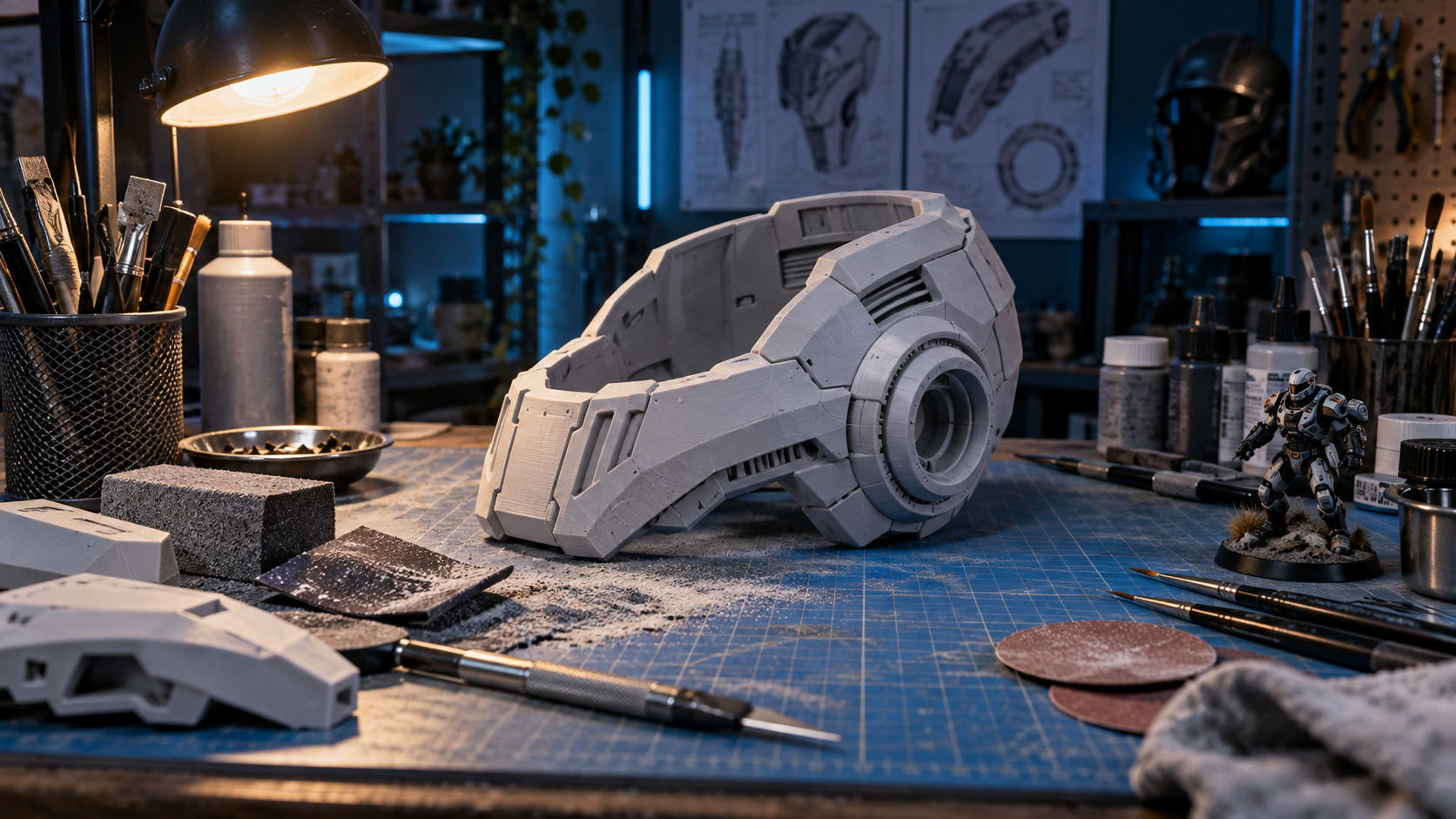
New guides
- GuideBest Dremel Tools for Game Builds
The useful tool is the one that gives you control over the material and the small details, not simply the highest speed. - GuideBest 3D Printer Filament for Game Props
Filament choice affects how easily a prop prints, finishes, transports, and survives handling. - GuideBuild a Modular Game Diorama Shelf
Modular scenery lets one shelf support several game-inspired scenes without rebuilding the entire display. - GuideFinish 3D Printed Game Prop Surfaces
A reliable finishing sequence makes printed props look intentional instead of hiding every detail under one heavy coat. - GuideMake a Game-Inspired Wall Mount
Plan the mounting surface and the item's center of gravity before adding decorative details or paint. - GuideBuild a LED Game Display Sign
A sign works best when the light supports a short message or emblem instead of overpowering the rest of the display. - GuideMake a Game Project Template Library
Reusable templates turn repeated measuring and layout work into a faster, more consistent part of the creative process. - GuideBuild a Removable Miniature Display Platform
A platform should lift the scene into view without making the figures difficult to handle or the display difficult to change. - GuideMake a Foam Board Game Room Backdrop
A simple backdrop can suggest a much larger game world while remaining easy to cut, store, and rearrange. - GuideBuild a Game-Themed Diorama Base
A reliable base gives a small scene scale, depth, and a clear place for the viewer's eye to begin. - GuideMake a Minecraft Crochet Project
Minecraft and crochet share a love of simple units becoming a larger world, which makes texture and color the foundation of the project. - GuideBest 3D-Printed Gaming Projects
The best projects start with a useful object, a manageable scale, and a finish plan that makes the print feel intentional. - GuideMake a Nintendo Workspace Display
Separate the work surface from the display area so controllers, figures, and art add character without getting in the way. - GuideMake Space Invaders Room Decor
Test the grid on paper first so spacing stays even and the invader shapes remain readable at normal viewing distance. - GuideBuild a Machinarium LEGO Display
Use muted color, layered height, and one small narrative scene to capture the game's handmade mechanical mood. - GuideBuild a Warcraft Armor Papercraft
Test one small panel first, then work through the helmet, shoulders, and larger forms with a consistent assembly method. - GuideBuild a StarCraft LEGO Display
Choose one unit or battle moment as the center, then use height and clear pathways to make the scene easy to understand at a glance. - GuideMake a Pac-Man Wall Art Display
Plan the maze pattern at full scale before cutting so the character, ghosts, and negative space all remain instantly recognizable. - GuideMake a Tetris Wall Art Display
Test the wall arrangement with paper pieces first so spacing, scale, and the final game-board composition are right before construction. - GuideBuild an Assassin's Creed LEGO Display
A small vertical scene works best when the figure has one clear route, a focal perch, and enough open space to read the silhouette. - GuideBuild a Dead Space Marker LEGO Display
Keep the Marker as the visual center and use texture, shadow, and restrained color to support the atmosphere without crowding the build. - GuideBuild a World of Warcraft LEGO Display
Use one raid, city, or faction scene as the focal point so the build stays readable even when the display grows. - GuideMake Minecraft Block Decor
Choose one block type or small group of icons, then test the proportions before committing to a full wall piece or tabletop build. - GuideBuild a LEGO Mutant Figure Display
Choose a small team or moment as the focal point and use removable platforms so the arrangement stays easy to refresh. - GuideBuild an Angry Birds LEGO Display
Focus on one readable scene with simple height changes so the birds, targets, and block structures still make sense from across a room. - GuideBuild a Yoshi-Inspired Machine
Use a small mechanical feature or decorative motion as the focal point while keeping the rest of the build sturdy and easy to maintain. - GuideTest Color Contrast for a Game Project
Contrast is what makes an object readable before a viewer sees the smallest details. - GuideMake a Game Project Parts Tray
A parts tray keeps small components from disappearing while a project moves through building, painting, and assembly. - GuideBuild a Compact Sanding Station
A dedicated sanding setup reduces clutter and makes surface work easier to repeat across multiple projects. - GuideMake a Scale Ruler for Game Projects
A simple scale tool helps props, terrain, and display pieces feel like they belong in the same world. - GuidePlan a Game Diorama Composition
A strong composition lets a small scene read quickly before the viewer notices individual textures or tiny details. - GuideBuild a Small Terrain Paint Rack
A compact paint rack makes terrain and miniature work easier by keeping frequently used colors visible and ready. - GuideMake a Game Display Nameplate
A modest nameplate can add context to a prop or diorama without pulling attention away from the build. - GuideCreate a Cut List for a Game Project
A cut list makes shaping and buying materials more efficient while reducing the chance of a crucial part being missed. - GuideMake a 3D Print Test Coupon
A small test piece can reveal fit and surface problems before a long print uses time and material. - GuideBuild a Game-Themed Shelf Backdrop
A backdrop can make a shelf feel like a setting while keeping the figures, games, or props as the focal point. - GuideBuild a Small Toolkit for Game Projects
A useful first toolkit focuses on jobs you will actually do, not every tool that might help someday. - GuideTest Lighting for a Game Display Before Installing It
Lighting makes a display feel finished only when objects remain easy to see. - GuideMake a Reusable Stencil for Game Projects
Reusable stencils are useful when a project needs matching markings on props, terrain, or display bases. - GuideBuild a Miniature Sci-Fi Wall for a Display
A small sci-fi wall can give a figure, model, or prop display a setting without needing a full diorama. - GuideWeather Game Terrain for a Display
Terrain weathering works when it supports the scene shape instead of covering every surface with the same effect. - GuideCreate a Paint Palette for a Game Project
A focused paint palette keeps a project from becoming visually busy before main forms are clear. - GuideMake a Display Riser for a Game Project
A riser gives small items enough height to be seen without taking away from the main display piece. - GuideOrganize Digital Files for a Game Project
Digital clutter can slow a project just as much as a crowded workbench. - GuidePrime 3D Printed Game Props for Paint
Primer is a diagnostic stage as much as a paint stage. It reveals seams and rough areas on the bare material. - GuideMake a Sanding Plan for a 3D Printed Game Prop
Sanding becomes manageable when you decide what needs smoothing before picking up the first abrasive. - GuideChoose Adhesive for a Game Project
Match the glue or fastener to the materials, joint type, cure time, and future repairs your project will need. - GuideMake a Display Plaque for a Game Build
Add a clear, modest label that gives a finished prop, model, or diorama context without distracting from the work. - GuideMake a Miniature Game Diorama
Build a compact scene with one clear focal point, believable scale, and enough depth to look good from more than one angle. - GuideSeal a 3D Printed Game Prop Before Painting
Prepare printed surfaces for a durable finish while keeping sharp details and panel lines visible. - GuideBuild Modular Game Terrain Pieces
Create repeatable terrain sections that combine into different scenes while remaining easy to store and repair. - GuideDocument Your 3D Print Settings for Better Projects
Keep a practical record of settings, material choices, finish steps, and lessons learned so the next print starts from a better place. - GuideChoose a Display Base for a 3D Print
Use footprint, height, attachment, and visual theme to give a printed model or prop a stable finished presentation. - GuidePrepare a 3D Print for Display
Move from a raw print to a shelf-ready object with practical cleanup, stable mounting, a clear finish plan, and final photos. - GuideTest Scale Before Printing a Game Prop
Print a small section or use a paper mockup to catch fit and proportion problems before committing to a long full-size job. - GuideSplit a Large 3D Printed Prop Into Manageable Parts
Plan seams, alignment, and print orientation before a large build becomes difficult to fit, finish, or repair. - GuideBuild a 3D Printed Samus-Inspired Helmet
Plan scale, fit, print sections, and a clean paint sequence for a wearable or display-ready sci-fi helmet. - GuideLight a StarCraft-Inspired Display Without Overdoing It
Use one controllable focal light and quiet secondary accents to add energy to a shelf build while keeping the model itself visible. - GuidePaint a Sci-Fi Terrain Display With Depth
Use broad color blocks, recess shading, and one bright accent to make a small game-inspired terrain build easier to read. - GuidePlan a StarCraft-Inspired Terrain Display
Start with one strong centerpiece, layered ground, and a limited palette so a sci-fi display feels complete on a shelf. - GuidePhotograph a Minecraft-Inspired Diorama
Use a clean backdrop, consistent scale cues, and a few intentional angles to show the depth and small details of a block-built scene. - GuideAdd Light to a Minecraft-Inspired Display
Use a small, focused light effect to guide attention toward a cabin, cave, water feature, or hero detail without overpowering the build. - GuideBuild a Minecraft-Inspired Diorama Base
Create a stable foundation with repeatable block scale, layered terrain, and enough depth for a compact scene to feel complete. - GuidePaint 3D Printed Game Props for a Clean Finish
Build color in a dependable sequence so printed layer lines and large panels support the design instead of distracting from it. - GuideFinish 3D Printed Prop Seams Cleanly
Use fit tests, filler, sanding, primer, and patient inspection to make multi-part prints read as one finished object. - GuideChoose Filament for 3D Printed Game Props
Match a print material to the part’s job, finish, scale, and intended use before committing to a long print. - GuideMake a Minecraft-Inspired Display Diorama
Turn block-based creativity into a compact physical scene with a clear theme, smart scale choices, and room for details. - GuideMake a StarCraft-Inspired Display Build
Use bold silhouettes, layered terrain, and controlled lighting to build a tabletop scene that feels ready for a shelf. - GuideBuild a Game Display Base That Makes a Project Feel Finished
A simple display base can give a prop, figure, or model a stronger presence without overpowering the piece itself. - GuideA Beginner Workflow for 3D Printing Game Props
A simple first-print process for testing scale, finishing surfaces, and getting from a digital file to a display piece. - GuidePlan Your First Game-Inspired Prop Build
A practical way to choose a project, set a scope, and finish something you will be proud to display.
From the archive
- Archive featureStarCraft Thor LEGO
A GameFrosting archive page about a LEGO build inspired by the StarCraft Thor. - Archive featureMinecraft, Now in Real Life
A GameFrosting archive page about Minecraft ideas crossing into the real world. - Archive featureNintendo Controller Table
A GameFrosting archive page about a Nintendo-controller-inspired table that turns a familiar game object into functional room-scale furniture. - Archive featureGunblade LEGO Is Your Final Fantasy
A GameFrosting archive page about a Final Fantasy gunblade built from LEGO. - Archive featureCreating a Pip-Boy 3000
A GameFrosting archive page about building a Fallout-inspired Pip-Boy 3000 prop.