
Photograph a Minecraft-Inspired Diorama
Use a clean backdrop, consistent scale cues, and a few intentional angles to show the depth and small details of a block-built scene.
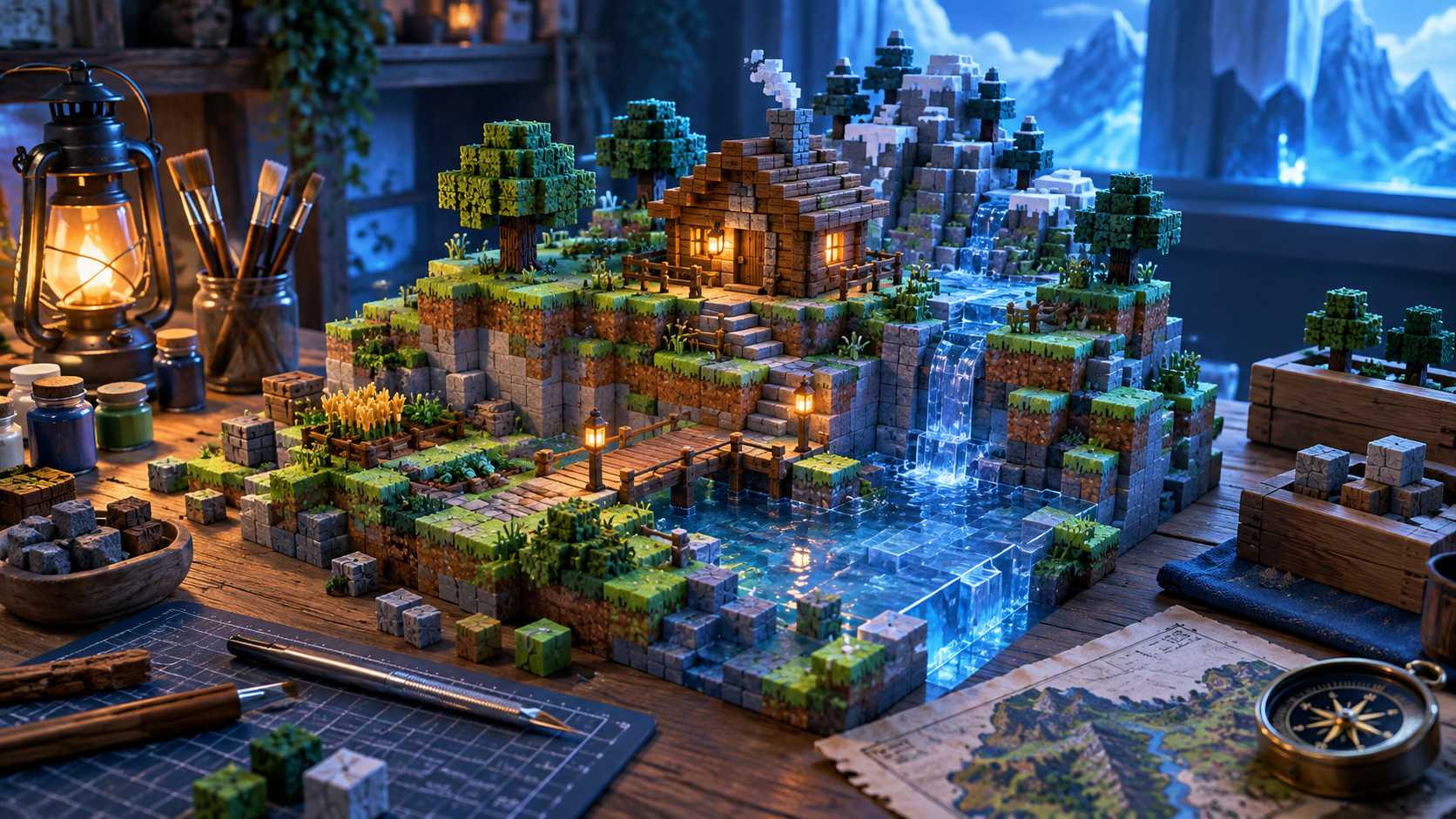
A good diorama photo makes the scene feel intentional before the viewer sees every individual block. Start with a clean background that does not compete with the colors and geometry of the display.
Take one wide image that shows the full footprint, then add closer shots of the details that carry the story: a cabin entrance, a water edge, a character-scale object, or a layered terrain transition.
Use soft light and move the diorama if needed instead of relying on a direct flash. Harsh flash can flatten the terrain and create reflections that hide texture.
Include one familiar scale cue when it helps. A small figure, doorway, or repeated block unit makes the size of the world easier to understand.
Keep the first images along with improved versions. They become a useful record of the build and make it easier to share the project with other makers.