
Add Light to a Minecraft-Inspired Display
Use a small, focused light effect to guide attention toward a cabin, cave, water feature, or hero detail without overpowering the build.
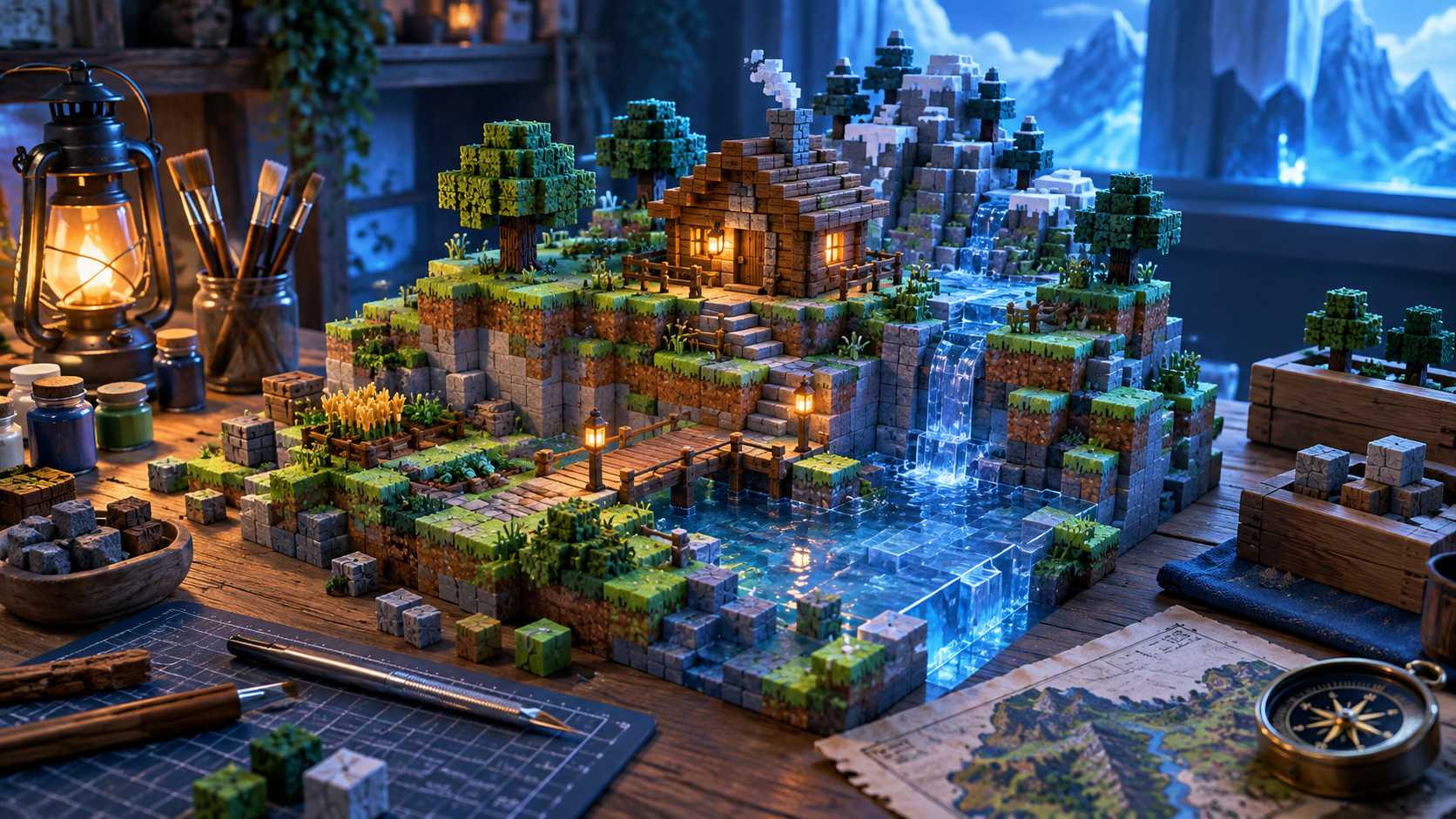
Lighting can give a diorama a focal point, but it works best when the rest of the scene already reads clearly. Choose one reason for the light: a cabin window, a cave glow, a torch-like accent, or a water feature.
Test placement before attaching anything. Move a small light around the unfinished display and look for reflections, shadows, and bright spots that hide the block forms instead of supporting them.
Conceal wiring and keep access simple. A removable base panel or hidden channel makes future adjustments much easier than sealing everything in permanently.
Use a low, controllable brightness. A subtle warm or cool glow creates atmosphere while keeping the terrain and small details visible.
Photograph the display in both lit and unlit conditions. This will help you confirm that the build works as an object, not only as a lighting effect.