
Collectibles guide
Manage Cables in a Gaming Display
Keep lighting, screens, and charging accessories tidy so the display looks deliberate and remains easy to adjust.
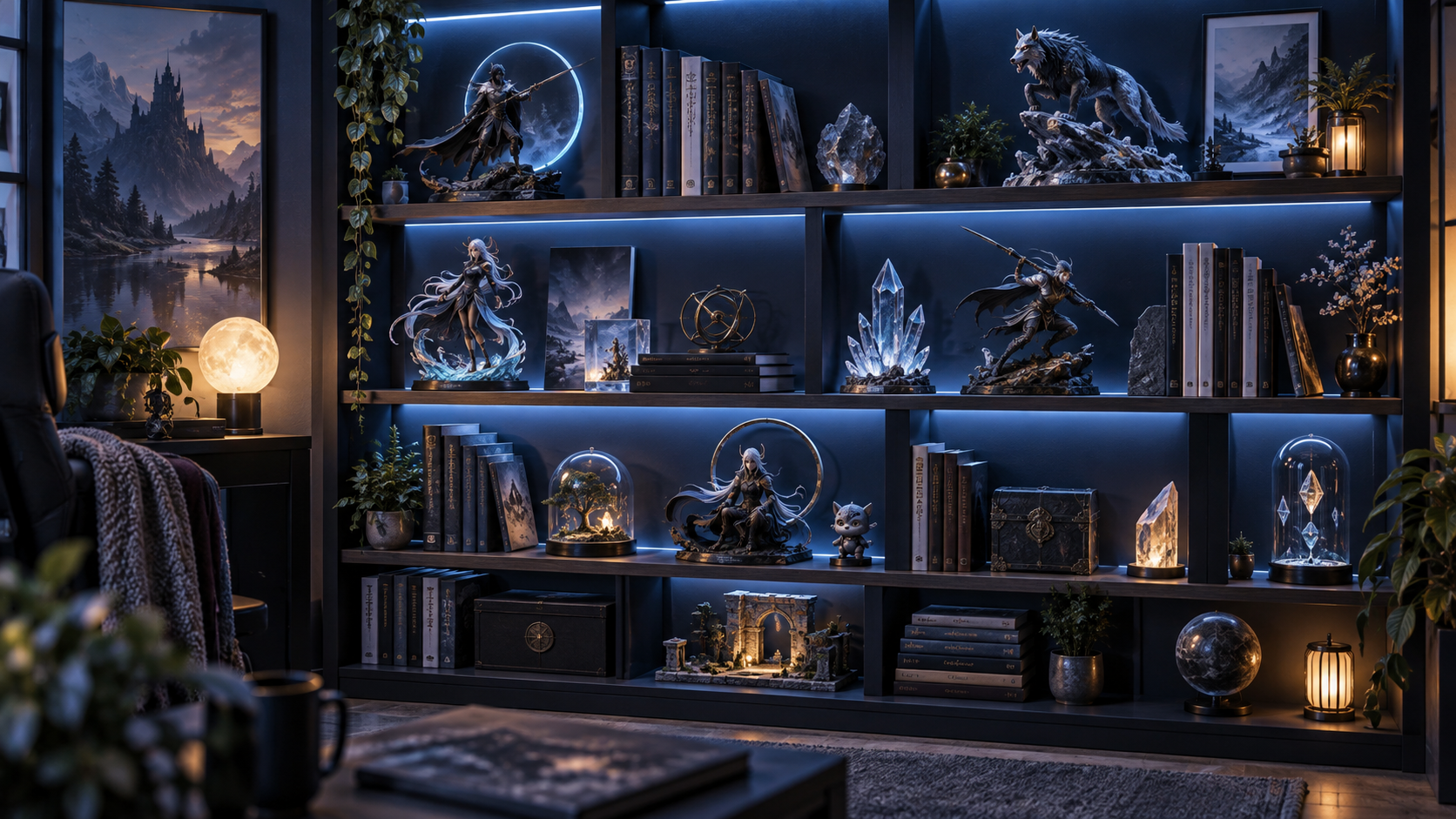
Cables are easier to manage when they have a route before the display is full. Decide where power begins, where it needs to end, and which parts should remain accessible for adjustments or replacement.
Use simple channels, clips, or hidden gaps behind shelves instead of relying on tension or temporary tape. Leave enough slack for a panel or light to be removed without pulling the rest of the setup apart.
Check the display from normal viewing distance after each change. A tidy cable path helps the objects remain the focus and makes later expansion much less stressful.