
How to Display Handheld Game Consoles
Give handheld consoles a display that is easy to see, safe to use, and simple to update as the collection grows.
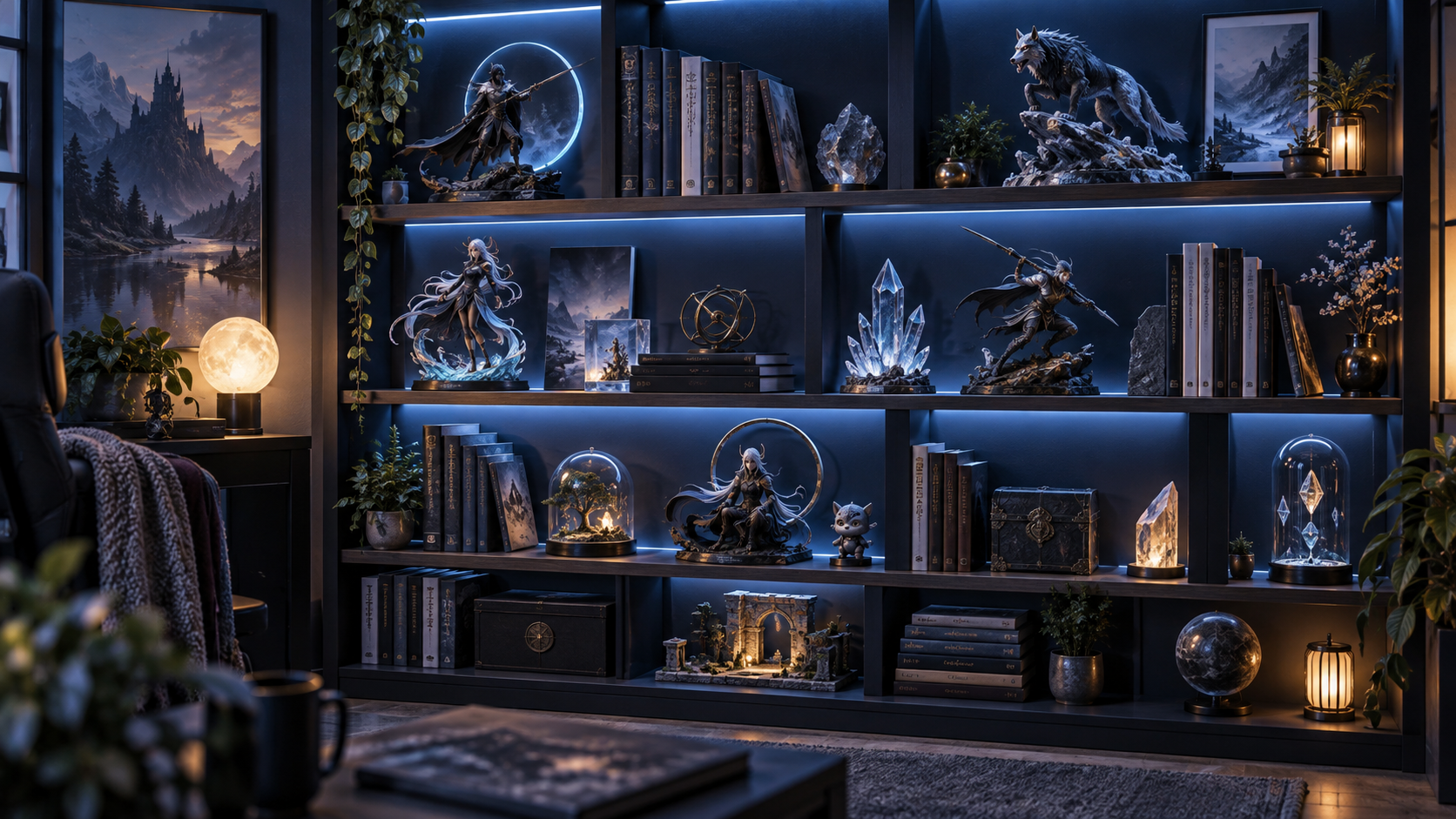
Handheld consoles look their best when the display makes their shape, screens, and small details easy to see. Begin by deciding whether the collection should be ready to play, purely decorative, or a mix of both. That decision affects the shelf depth, cable plan, and amount of handling each piece will receive.
Choose a stable stand that supports the body of each console rather than pressing against a screen, shoulder button, or cartridge slot. A shallow angled stand usually makes the front face readable from normal shelf height while keeping the console from sliding forward. Test one unit before committing to a full row.
Give every handheld enough breathing room. A small gap between units makes the individual colors and silhouettes easier to recognize and leaves room to pick one up without bumping the pieces beside it. Grouping by generation, manufacturer, color, or game series can give the display a clear organizing idea.
Keep direct sunlight away from screens, labels, boxes, and plastic shells. For shelf lighting, use a gentle indirect source and aim it so reflections do not hide the screens. A warm or neutral light often feels inviting, while a cooler light can work well for a clean technical display. Try the angle before mounting any permanent strip lights.
If the consoles stay playable, plan the cables before arranging the final shelf. Use short labeled leads, a nearby charging point, and enough slack to remove a unit comfortably. Avoid winding cables tightly around a console or placing heavy adapters where they can pull against a port.
Protect the original packaging separately if it will not fit the display. A simple inventory note with the model, color, condition, accessories, and storage location makes it much easier to rotate the collection later. Keep accessories such as chargers, link cables, styluses, and cases together with clear labels.
The best handheld-console display is easy to live with. Start with a few favorite pieces, photograph the arrangement, and adjust spacing or lighting after seeing it from the rest of the room. The result should invite someone to look closer and make it easy for you to enjoy the consoles you already own.
A good handheld display keeps every system easy to see, easy to reach, and safe to charge. Start by grouping consoles by size or generation, then leave enough room to remove one without disturbing the rest.
Use a small riser or stepped stand when screens and buttons need to remain visible. Keep charging cables routed behind the display with a little slack at each console, and avoid bending connectors sharply. If a system is valuable or rarely used, keep it in a dust-resistant case and rotate it onto the shelf when you want to show it.
Before committing to a layout, check that each console has stable support, ventilation around charging accessories, and a clear path for controllers or cases. A display that is easy to reset is more likely to stay organized.
Frequently asked questions
What is the best way to display handheld consoles?
Use stepped stands or shallow shelves so screens and controls remain visible without stacking systems on top of one another.
Should handheld consoles stay plugged in?
Only when the charging setup is safe and ventilated. Leave cable slack, avoid tight bends, and rotate valuable systems into storage when they are not in use.
How do I protect handheld consoles from dust?
Use a glass cabinet, acrylic cover, or fitted case for systems that are displayed less often, and clean the shelf with a soft dry cloth.